Markdown Studio — Offline WYSIWYG Markdown Editor
Markdown Studio
A distraction-free Markdown writing desk with three ways to work — and zero accounts.
Write README files, docs, developer notes or articles using whichever workflow you like:
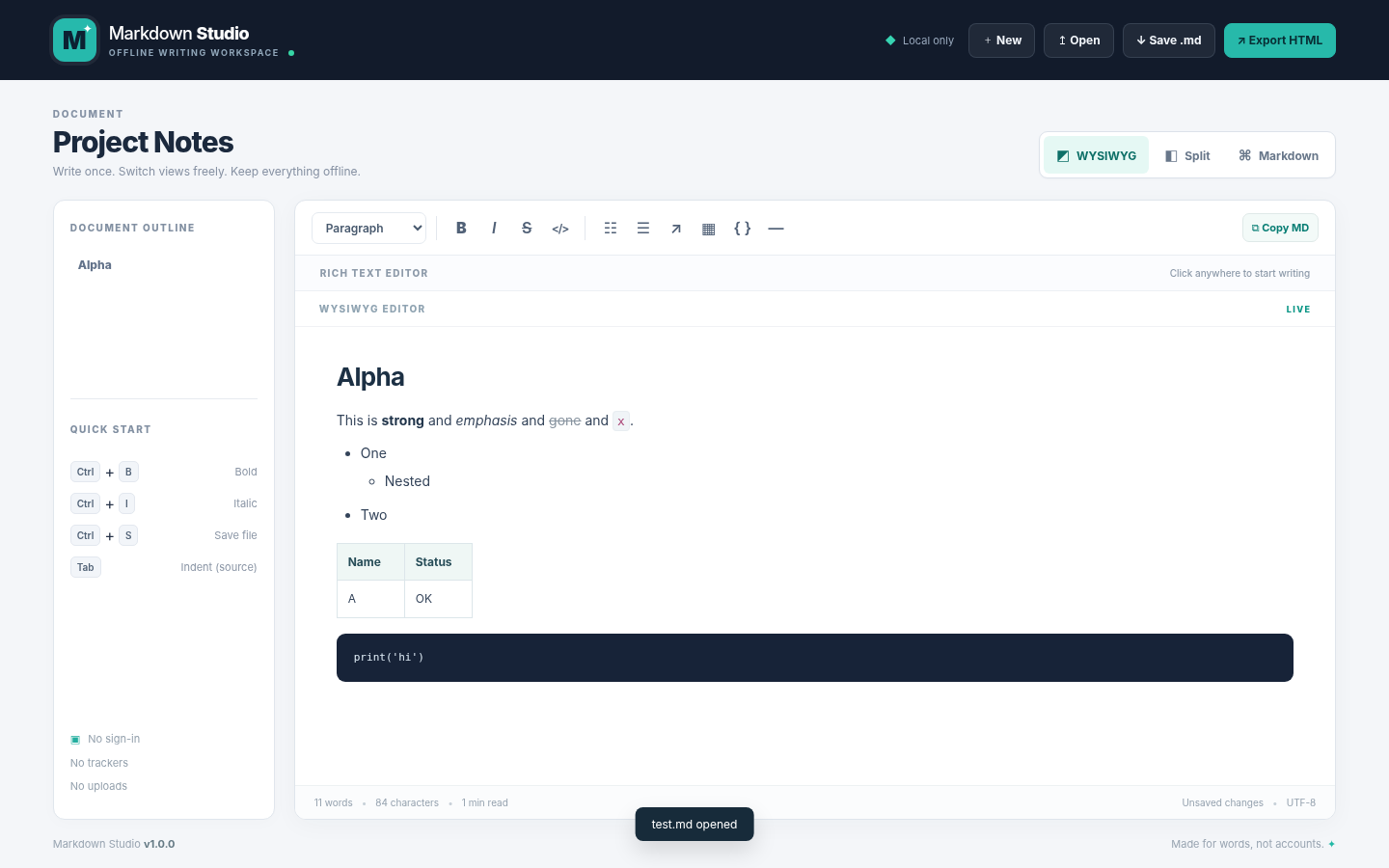
• WYSIWYG Editor — select, type and format in a familiar rich-text writing canvas.
• Markdown Mode — edit raw Markdown with a simple formatting toolbar.
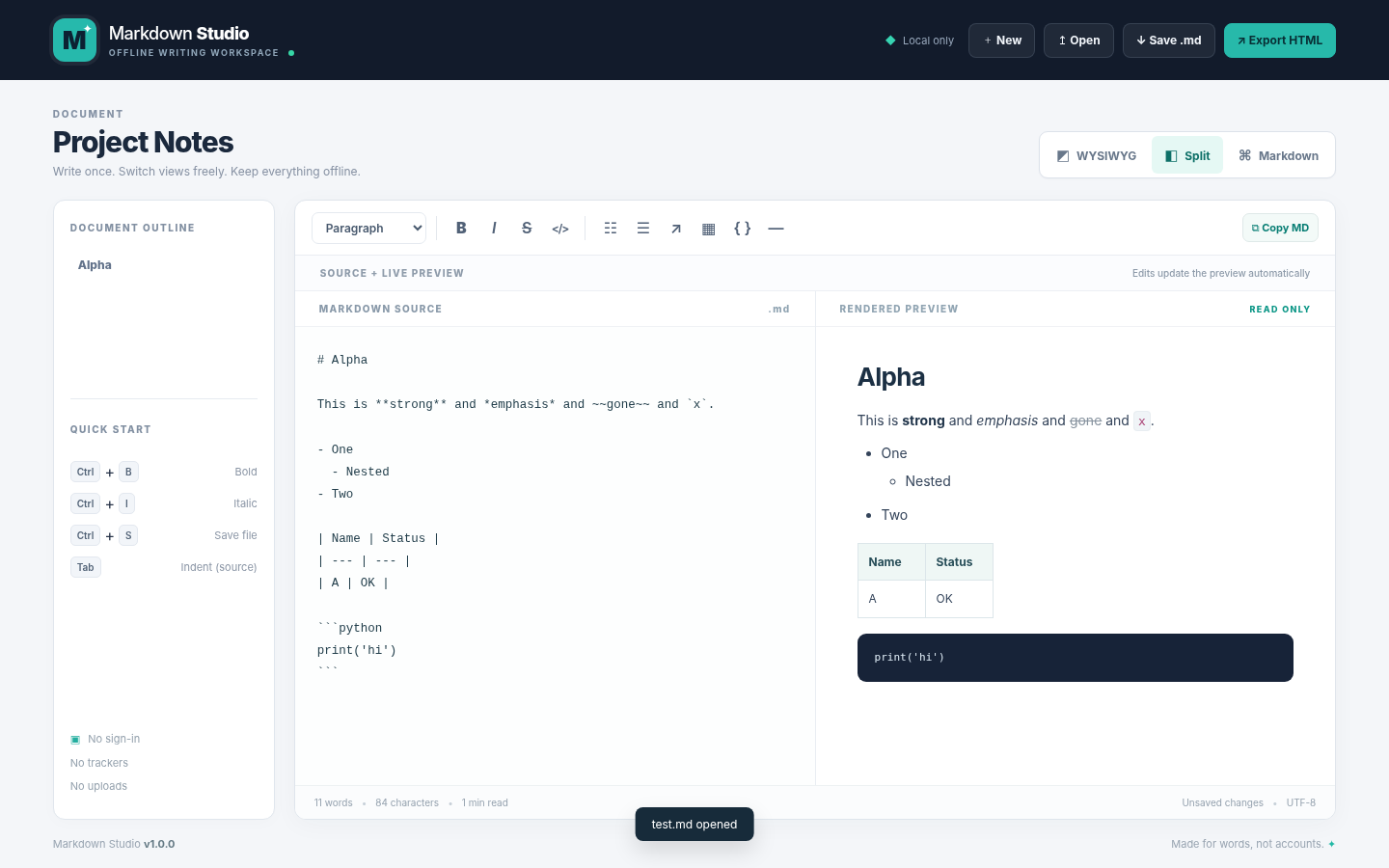
• Split View — type Markdown next to a live, read-only preview.
Features
• Headings and a navigable document outline
• Bold, italic, strikethrough, links, inline code and blockquotes
• Bullet and numbered lists, fenced code blocks and tables
• Open .md / .markdown / .txt files (up to 2 MiB)
• Save Markdown and export standalone HTML
• Word count, character count and approximate reading time
• Local browser autosave where permitted
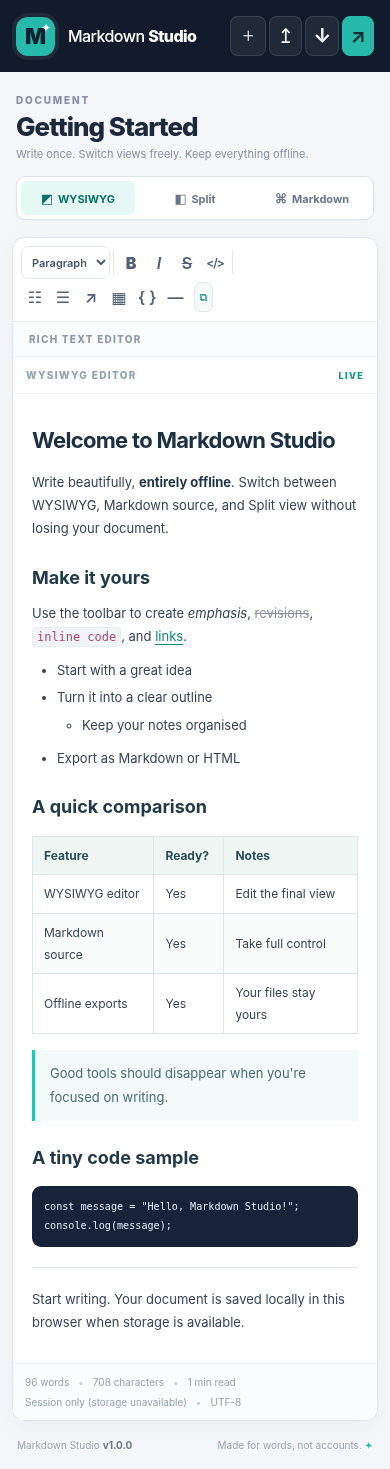
• Responsive layout for desktop and mobile
Private by design
Your text stays on your device. No sign-up, external libraries, server uploads, analytics or tracking. The app works offline after opening the file. External links in your own documents can open only if you click them.
Note: Markdown Studio supports a practical subset of Markdown. Some advanced Markdown features (e.g. images, task lists, extensions and arbitrary raw HTML) are intentionally not rendered in this initial version. Round-tripping through the visual editor can normalize spacing and Markdown syntax. Save a source backup when editing complex documents.
Tips: Click Run tool, then select WYSIWYG for visual editing, Split to preview Markdown source, or Markdown for precise editing. Use Save .md and Export HTML at the top.
Version 1.0.0 · Free tool · Offline first · Open source (MIT). Source code is included as a download.
Download
Install instructions
To use offline, download and extract the source ZIP, then open index.html in a modern browser. No installation or build step is required. Save your documents regularly with Save .md; browser autosave may be unavailable in some embedded or private-browsing sessions.
Leave a comment
Log in with itch.io to leave a comment.