SVG Studio — Offline SVG Editor & Optimizer
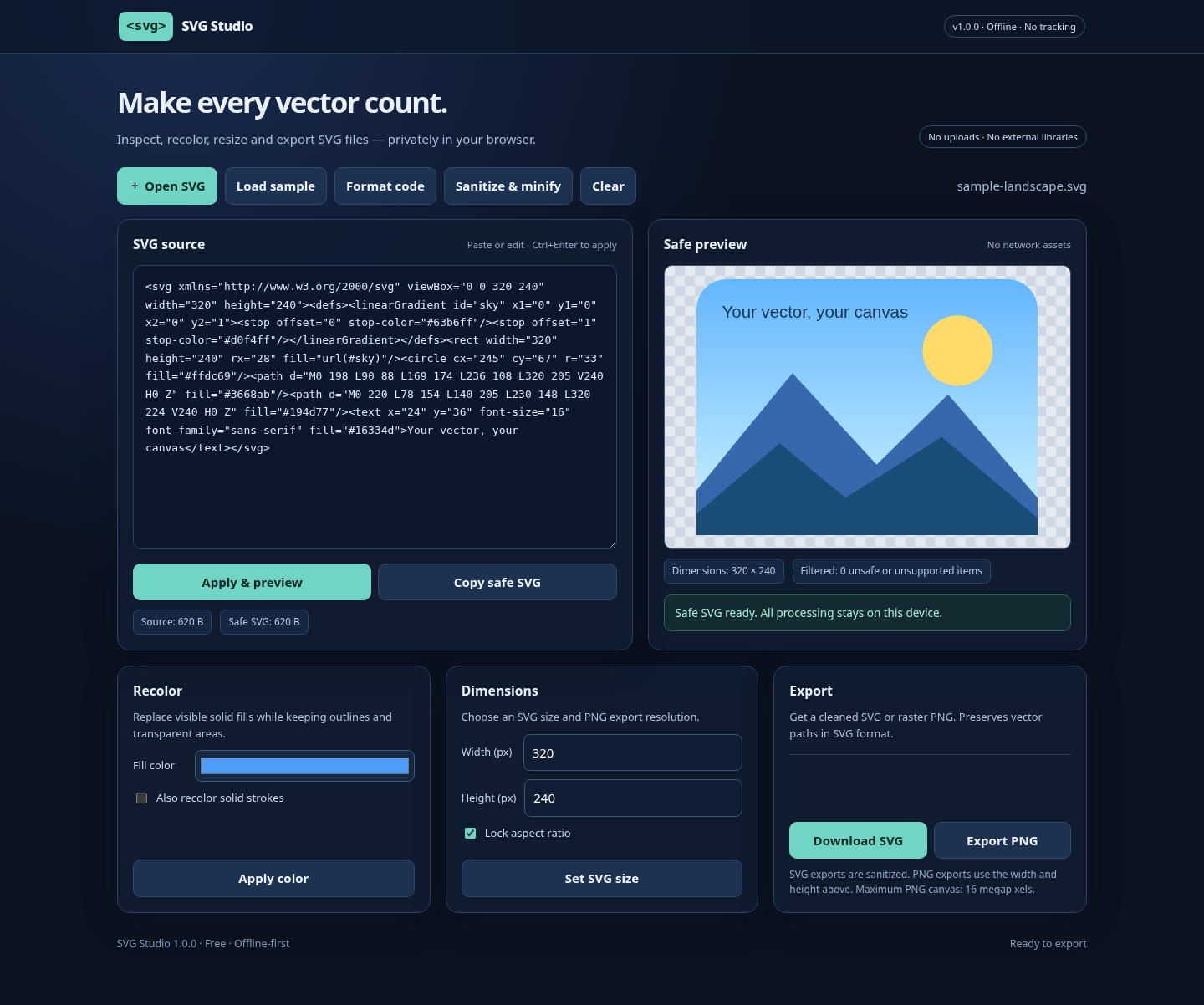
SVG Studio is a practical, lightweight toolkit for working with SVG assets. Edit SVG source side-by-side with a live, sanitized preview, recolor basic vector shapes, adjust dimensions, export a PNG at the resolution you choose, or download a cleaned SVG.
Features
- Import SVG files or paste code, with a drag-and-drop editor.
- Preview common SVG vector shapes, paths, gradients, and text.
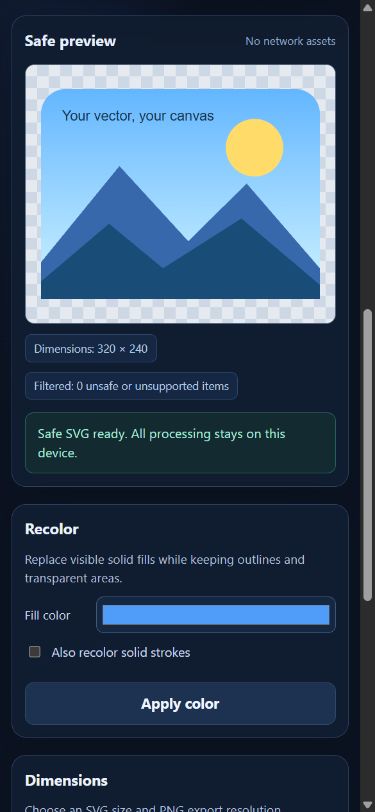
- Recolor solid fills and optionally strokes.
- Set dimensions, lock aspect ratio and export transparent PNGs.
- Sanitize unsupported / potentially unsafe markup and compact the SVG.
- No account, tracking, cloud processing or external libraries.
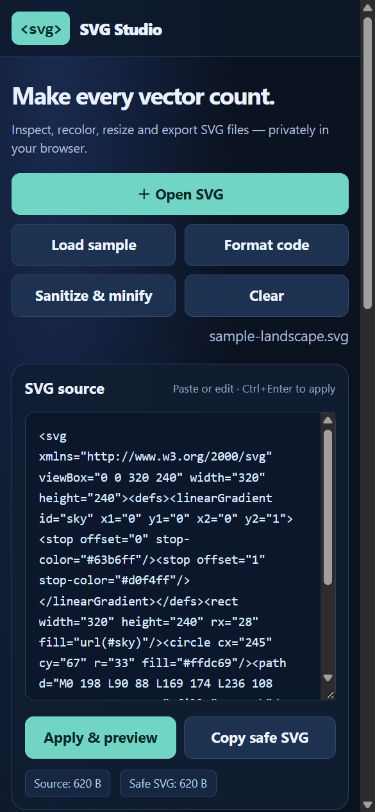
- Responsive interface for desktop and mobile.
Compatibility note: The strict sanitizer intentionally removes scripts, CSS, animations, external references, image elements, embedded HTML, and some advanced SVG features (including filters). It is best suited to simple icons, logos and illustrations.
Getting started: Click Run tool and try the included sample, open an SVG file, or paste SVG code and choose Apply & preview. Use Download SVG or Export PNG to save your work. Your artwork stays on your device.
Version: 1.0.0. Free to use. Source code is included under the MIT license.
Download
Leave a comment
Log in with itch.io to leave a comment.